Suspension Lowering Module
by MWMods
Adjust the ride height of your AIRMATIC-equipped Mercedes-Benz 2006–2026 through the OBD-II port.
- Plug the module into the OBD-II port. No mechanical modifications required.
- Select and save your ride height in ~30 seconds using the controls for your module version.
- Use presets or custom lowering. Easily go back to factory height. Warranty safe.
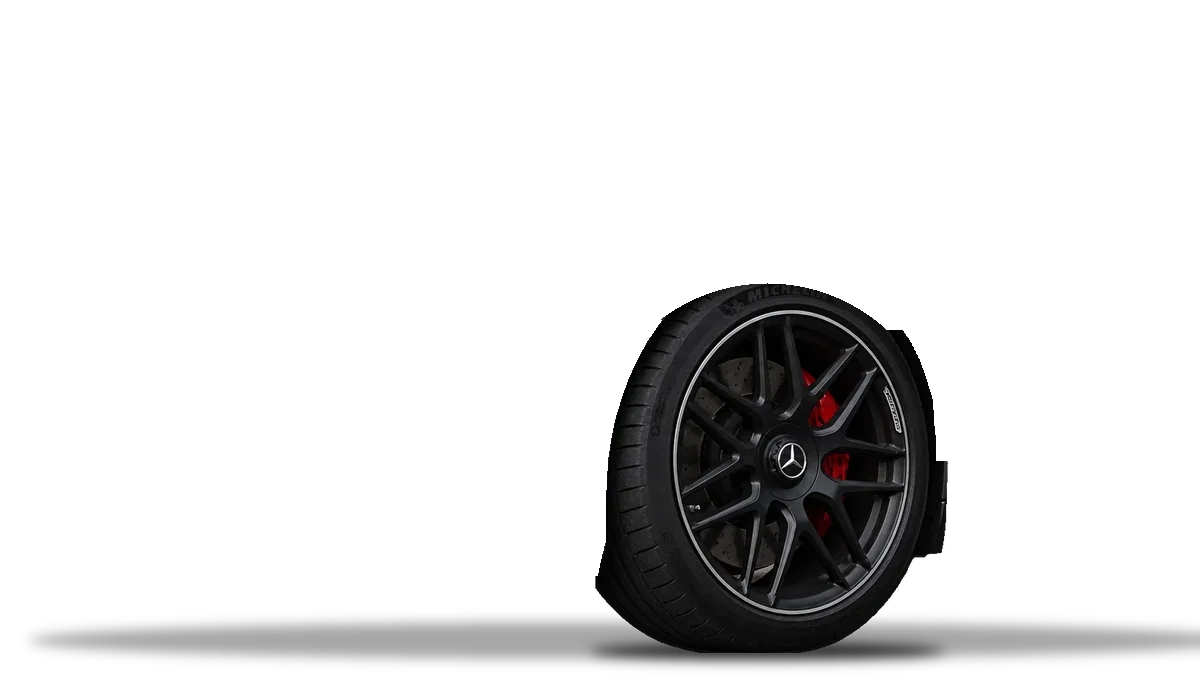
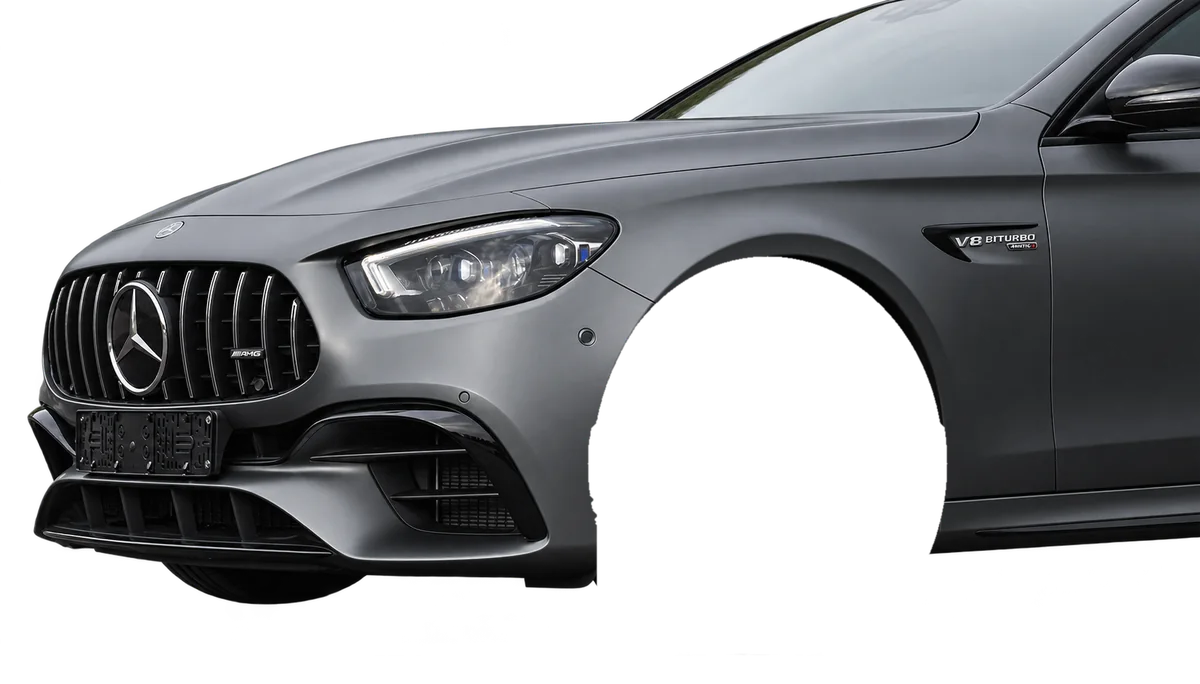
Demo of the MBUX 2019–2023 module. Range and step depend on your module version.
Why choose Suspension Lowering Module

Plug & Play
DIY installation — no disassembly, no wiring, no soldering

Presets or Custom
Pick a ready-made preset or set your own lowering height

No Dealer Needed
No dealer or workshop visits required

Price from $500

Warranty Safe
Leaves no trace and does not void factory warranty

Standalone Setup
No phone or laptop required — settings written directly to the suspension ECU

Fully Reversible
Module auto-saves factory height on first use
Find the module that fits your Mercedes
Search by chassis, model and year gives a preliminary match. MWMods confirms the exact equipment and module version by VIN — for example, W213/C238 and X253 cars can need either the COMAND or the MBUX 2019–2023 version. Activation for one vehicle is included.
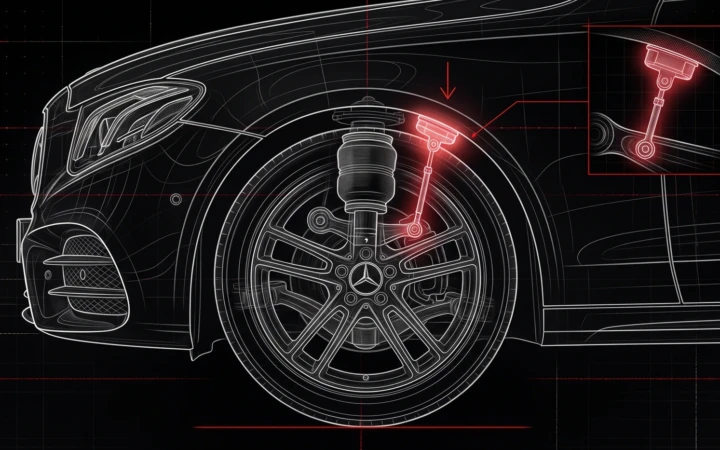
MWMods Mercedes lowering modules let you lower the ride height of compatible Mercedes-Benz and Mercedes-AMG vehicles with AIRMATIC air suspension. The plug-and-play module gives you a smaller gap between the tires and wheel arches using the factory suspension hardware.
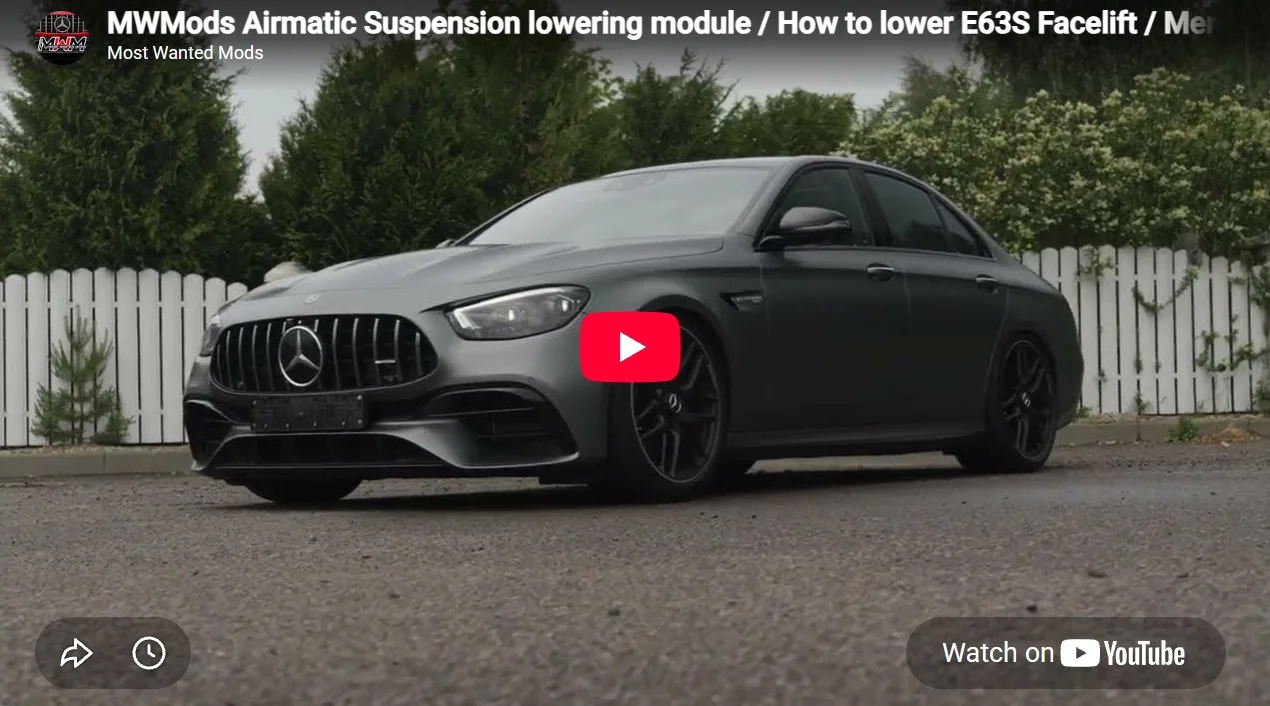
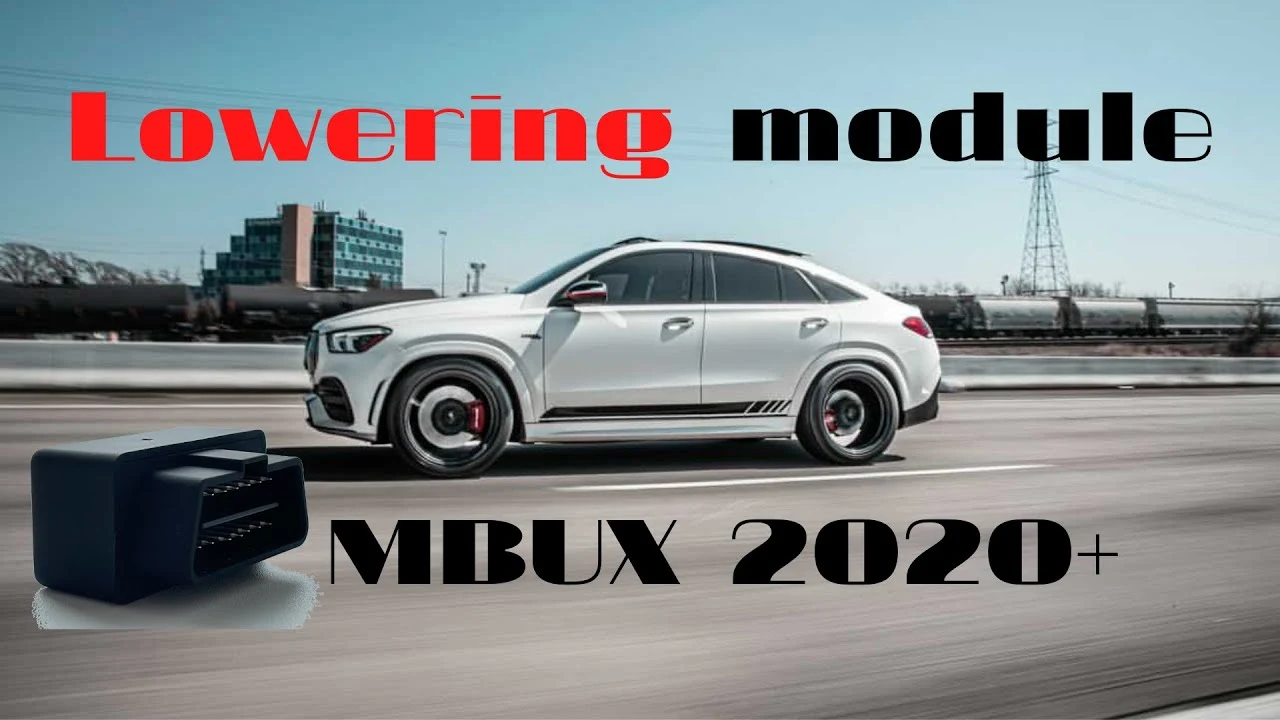
How the plug-and-play OBD-II lowering module works
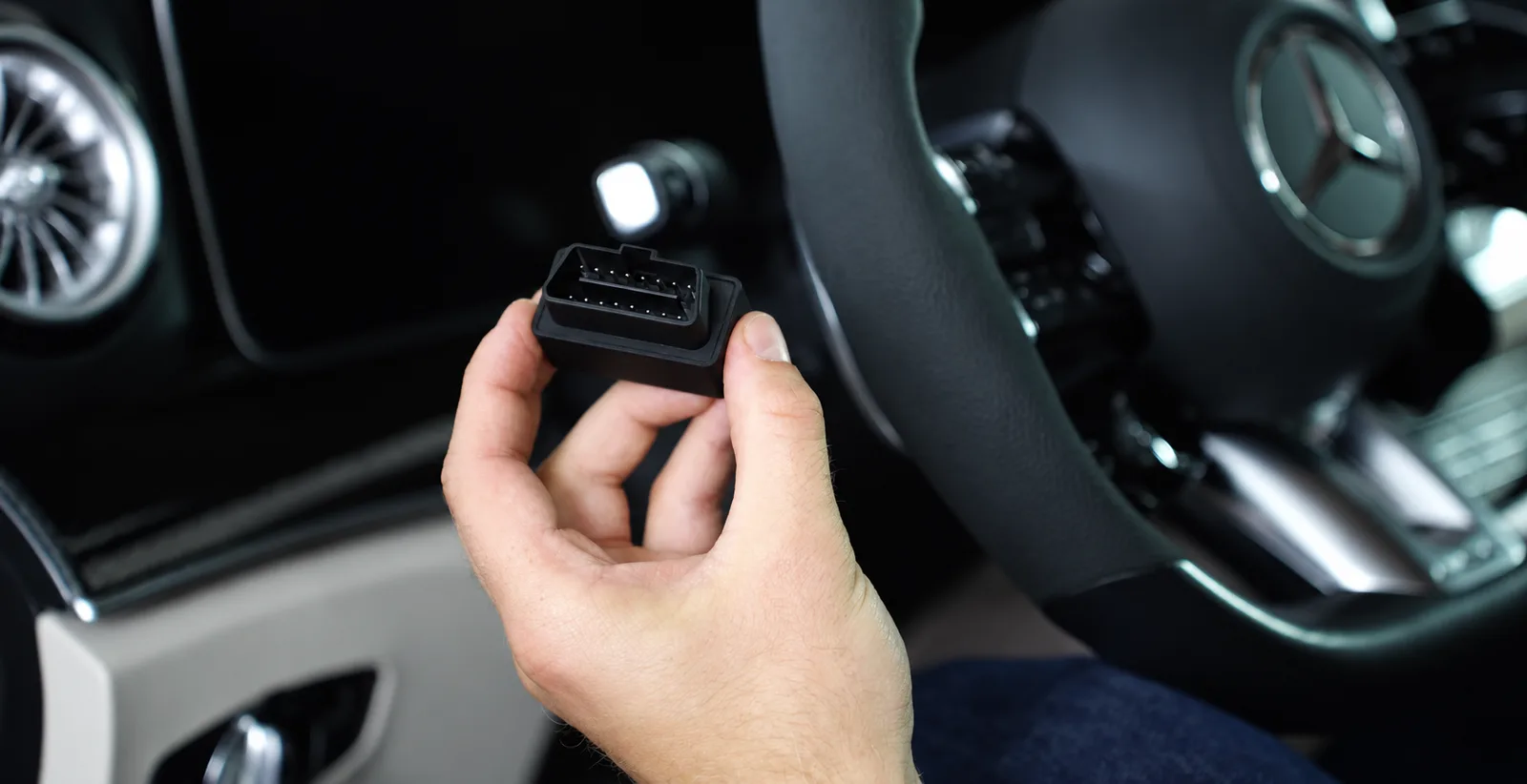
Connect the module to your Mercedes’ OBD-II diagnostic port to adjust the ride height. Depending on the version, you can select a preset drop or adjust the front and rear axles independently. Once the setting is applied, unplug the module. Reconnect it whenever you want to change the ride height or restore the factory setting.
Three versions for different Mercedes generations
The module you need depends on your car’s infotainment and production year. All three versions work through the OBD-II port and keep the factory height on the module, but they are set up differently and offer different ranges.
| Feature | COMAND · 2006–2020 | MBUX · 2019–2023 | MBUX NTG7 · 2021–2026 |
|---|---|---|---|
| Range from factory height | −70 to +40 mm | Up to 60 mm lower | 10 to 70 mm lower |
| Adjustment step | 1 mm | 10 mm | 10 mm |
| Controls | COMAND menu and vehicle controls | Pedals and instrument cluster in Classic mode | Brake pedal and central display flashes |
| Axle adjustment | Front and rear independently | Front and rear independently | One shared Low setting |
| Presets / default | Factory, Low (−32 mm front and rear), Custom | Default −20 mm front and rear. Factory height can be restored. | Factory and one adjustable Low preset, default −20 mm |
| Compatible chassis | W221, W222, C217, W212, W213, C238, C218, C257, W205, X253, W166, C292, X166 | Facelift X290, C257, W213, C238, X253; W167, X167 | W223, W214, X290 (2024+), W167/V167 (facelift, 2023+), X167 (facelift, 2023+), V295, V297, X296 |
| Setup guide | View setup guide ↗ | View setup guide ↗ | View setup guide ↗ |
Years overlap between 2019 and 2023, so send us your VIN before ordering and we will confirm which version fits your car.
What MWMods customers say

How to use the MBUX lowering module (2019–2023)
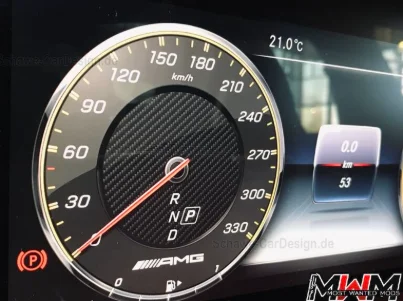
This version defaults to 20 mm below factory ride height on both axles. During setup, the speedometer shows the front setting and the tachometer shows the rear setting. You can adjust each axle in 10 mm increments.
| Axle | Pedal | Instrument cluster | Reading for a 20 mm drop |
|---|---|---|---|
| Front | Accelerator | Speedometer | 20 km/h |
| Rear | Brake | Tachometer | 2,000 rpm |
- Prepare. Set the instrument cluster to Classic mode. Switch on the ignition with the engine off, wait about 15 seconds, then plug in the module.
- Select the drop. The accelerator pedal and the speedometer control the front axle; the brake pedal and the tachometer control the rear axle. For a 20 mm drop on both axles, the gauges read 20 km/h and 2,000 RPM during setup.
- Save and apply. Hold both pedals until the display flashes blue. Then start the engine, close all doors and wait for the ride height to change. Unplug the module after use.
How to restore factory ride height
MBUX 2019–2023: with the module plugged in as described above, hold the brake pedal until the display flashes green. You can also save a zero offset by setting 0 km/h and 0 RPM.
COMAND 2006–2020: the engine is started before the module is plugged in, and the height is set in the COMAND menu. COMAND setup guide.
MBUX NTG7 2021–2026: set up with the ignition on and the engine off. Display indications can take up to 30 seconds to appear. After saving, switch off the ignition, unplug the module, start the engine and close the doors. NTG7 setup guide.